How Solar Plan Set Automation Can Help Installers Reduce Manual Work

Insights
How Solar Plan Set Automation Can Help Installers Reduce Manual Work
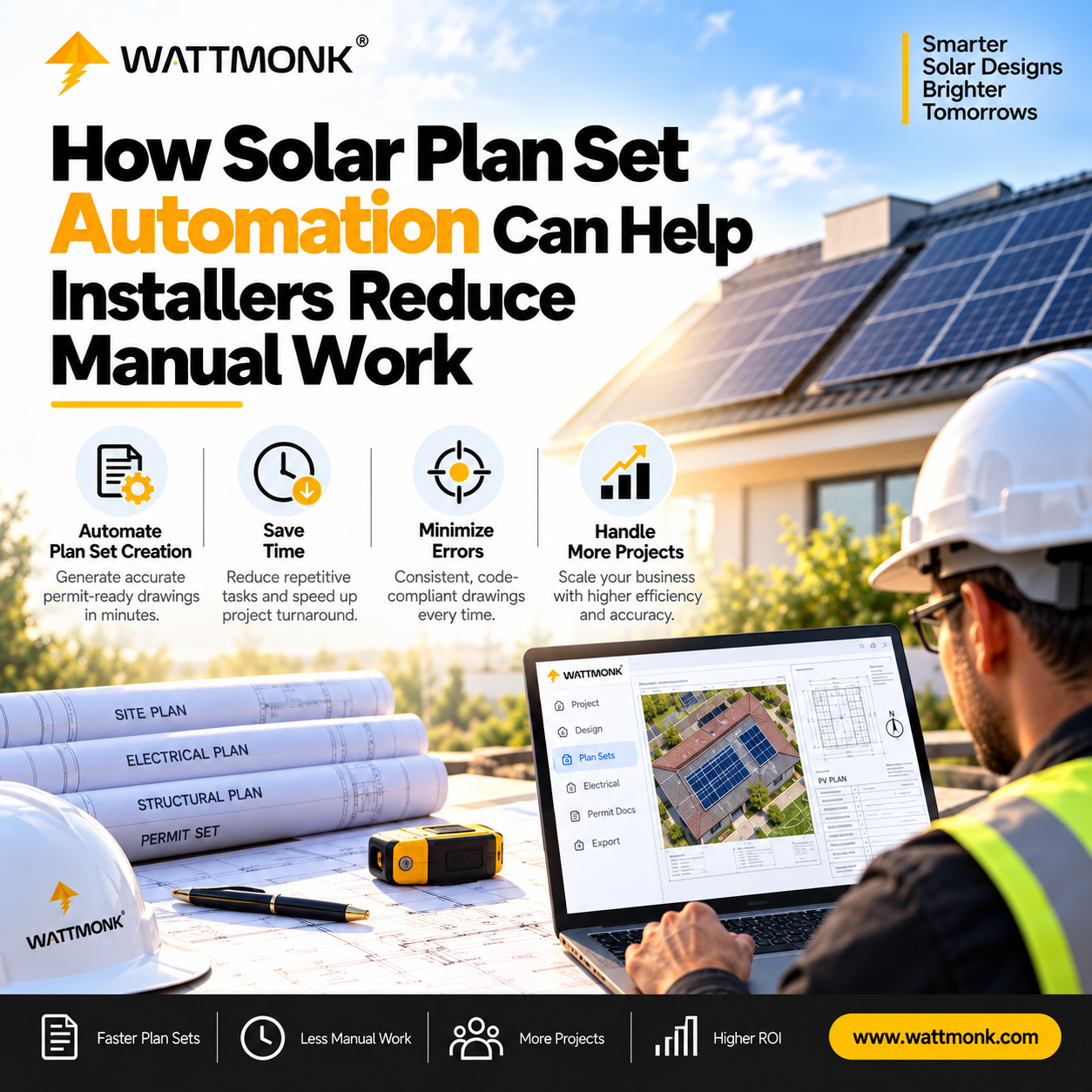
Solar plan set automation uses software to build the parts of a permit plan set that follow repeatable rules. This includes layouts, single-line diagrams (SLDs), three-line diagrams (TLDs), electrical calculations, equipment lists, and code notes. It cuts manual drafting time and catches common data errors before submission. Qualified designers and engineers still review the design, as utility and authority having jurisdiction (AHJ) rules vary by project location.
Where Manual Plan Set Work Slows Installers Down
Most installers do not lose time on the install itself. They lose it before the crew shows up. Someone redraws a roof layout, copies equipment specs into CAD blocks, checks fire setbacks by hand, and then fixes the plan set when the AHJ sends it back with comments.
A solar plan set is the complete package of drawings and documents an AHJ reviews before issuing a permit. It typically includes site plans, electrical diagrams, structural calculations, equipment specification sheets, code labels, and engineering documentation.
When teams build these sets manually across dozens or hundreds of active projects, several common solar engineering challenges and solar permitting issues arise:
- Duplicate Data Entry: Module, inverter, and mounting details must be copied from datasheets into multiple drawing pages. A single typo can create mismatched documents across the layout, electrical diagram, and bill of materials (BOM).
- Manual Diagram Drafting: Drawing SLDs and TLDs from scratch for every unique equipment combination takes significant drafting time and creates room for small errors.
- Repetitive Electrical Calculations: Sizing conductors, calculating voltage drop, and verifying overcurrent protection devices manually across a high-volume pipeline consumes high-value design capacity.
- Local Code Lookups: Setbacks, required labels, and utility notes differ by AHJ and utility. Designers lose time constantly checking local guidelines.
- Uneven Drawing Quality: Two internal designers may produce entirely different-looking plan sets for identical jobs, making quality control difficult.
- Rework After Rejection: A minor error, like a panel count that differs between the roof layout and the SLD, is often enough for a reviewer to reject the plan. Every comment round adds days or weeks to the schedule, causing severe solar project delays.
These drafting bottlenecks turn into solar installation problems down the line: pushed installation schedules, idle field crews, and frustrated customers.
What Solar Plan Set Automation Can and Cannot Do
Solar plan set automation works best on tasks that follow clear, rule-based logic. It cannot replace human judgment on unusual system setups or non-standard site conditions.
The table below breaks down how automation supports different parts of the plan set process:
Good automation removes the copy-paste and lookup work so designers and engineers can focus on technical accuracy and exception handling.
How Automation Reduces Rejections and Project Delays
Automation helps solar teams submit permit packages faster and keep projects moving in three practical ways:
- Single-Source Data Consistency: When equipment specifications flow directly into every page from a central database, the layout, SLDs, labels, and BOM remain in sync automatically.
- Standardized Package Formatting: Every plan set follows the same structure regardless of who initiated the project. Municipal reviewers receive clear, predictable drawings that are easier to navigate.
- Automated QC Checks: Built-in verification logic checks the drawing set against baseline code rules before submission, allowing teams to catch and fix errors internally rather than waiting on AHJ redlines.
This approach aligns with broader industry efforts to streamline solar permitting. For instance, the National Renewable Energy Laboratory (NREL) developed the SolarAPP+ platform to instantly issue permits for standardized residential systems through automated code checks. NREL reports that SolarAPP+ has processed over 70,000 permits across more than 270 jurisdictions.
While automated municipal intake systems like SolarAPP+ continue to expand, many AHJs still review plans manually. In those jurisdictions, submitting a clean, consistent, and error-free plan set is the most effective way to avoid permit backlogs.
What an Automated Plan Set Workflow Looks Like
While specific platforms vary, an automated plan set workflow generally replaces disconnected CAD drafting with a streamlined process:
Project Details & Design Inputs → Automated Generation Engine → Automated QC Scan → Review & PDF Edit → Permit-Ready Package
In practice, this process typically follows six steps:
- Input Project Details: Enter basic project parameters, equipment selections, location data, and utility information.
- Upload Base Files: Upload site survey details or design files (such as a DXF) to establish the roof perimeter and component placement.
- Generate Draft Package: The software builds the preliminary plan set, including scaled layouts, electrical SLDs/TLDs, calculated wire schedules, and the bill of materials.
- Review Automated QC Flags: Built-in checks scan the package and flag missing details, mismatched panel counts, or potential code conflicts.
- Make Direct Edits: Update text, notes, or layout details directly within the software dashboard without opening a separate CAD program.
- Download and Submit: Download the finalized PDF package for internal review, PE stamping if needed, and submission to the AHJ.
For example, WattMonk's PlanSetIQ structures this workflow by combining automated drafting tools, built-in NEC calculation logic, and local AHJ rules into a single platform. Installers can use the tool directly in-house or coordinate with software-enabled engineering support.
What to Check Before Choosing a Plan Set Automation Tool
Speed is easy to compare, but it should not be the only factor. Before choosing a solar design automation software platform, evaluate these practical considerations:
- Depth of Coverage: Does the software automate electrical diagrams, calculations, and BOMs, or does it only handle the initial roof layout?
- AHJ and Utility Intelligence: Ask how the tool tracks local requirements. A database covering local fire setbacks and utility rules helps avoid regional submission errors.
- In-Dashboard Editing: Ensure the platform lets you adjust text, notes, and tables directly. You should not have to re-export files back to external CAD software for simple text fixes.
- Engineering and Stamping Handoffs: Check how the platform accommodates professional review. If your projects require structural or electrical engineering approval, the output must be structured for straightforward PE review and stamping.
- Post-Rejection Process: Determine how the tool handles revision cycles if an AHJ requests changes.
Be cautious of software vendors that guarantee 100% permit approval. Because every AHJ retains independent authority to interpret local rules, no software tool can promise guaranteed acceptance.
Conclusion
Solar plan set automation is not about replacing design teams or engineers. It is about removing the repetitive drafting, manual data copying, and routine calculations that slow them down.
By pairing rule-based software automation with human technical review, installers can reduce manual data entry, catch potential errors before submission, and keep projects moving smoothly toward installation.
Looking to reduce manual drafting and speed up your permit prep? Book a PlanSetIQ demo to see how WattMonk automates solar plan set production, built-in QC checks, and PDF edits in one structured workflow.
Frequently Asked Questions (FAQs)
What is solar plan set automation?
Solar plan set automation uses software to automatically generate key parts of a solar permit package, such as site layouts, electrical single-line diagrams, wire calculations, equipment schedules, and code labels. The goal is to cut manual drafting time and reduce pre-submission errors.
Does solar plan set automation replace engineers?
No. Automation handles repetitive, rule-based tasks like data entry, drawing generation, and standard code checks. Qualified designers and engineers are still needed to review the output, resolve site-specific complexities, and provide PE stamping where required.
Which parts of a plan set can be automated?
Tasks that follow fixed rules can be automated easily. This includes generating SLDs and TLDs, calculating wire sizes and voltage drop under NEC rules, compiling equipment lists, inserting fire setback notes, and generating code-required labels.
How does solar plan set automation help reduce AHJ rejections?
Automated tools use pre-submission checks to verify that panel counts, equipment models, and electrical calculations match across every page of the package. Eliminating these common inconsistencies reduces the chance of receiving redlines from municipal reviewers.
Do automated plan sets still require PE stamping?
That depends on local jurisdiction and utility regulations. Some AHJs require a registered Professional Engineer (PE) to stamp the structural or electrical design for every project, while others do not. Automation tools prepare the drawings, but the decision to stamp rests with the reviewing engineer.
Can I edit a plan set after it is generated automatically?
Yes, depending on the tool you use. Modern platforms like PlanSetIQ include built-in editors that allow designers to modify notes, calculations, equipment choices, and drawing details directly within the dashboard.
Explore Related Insights
Explore the Solar Engineering & Technology World
From solar plan sets and PE stamping to AI-powered design tools and permitting insights — explore pieces written for solar professionals navigating the technical and technology side of the solar industry.